Select Your Experiment
Connect the vial of base fluid to the pump module
In anticipation of starting a new experiment, take a fresh vial of base fluid, open it, and connect it to the left holder on the eProtein Discovery instrument pump module.
It is important to equilibrate the base fluid with the lab atmosphere prior to use. This is to prevent outgassing of the base fluid during the run, as air bubbles can interfere with the droplet movement. We recommend attaching the base fluid to the instrument the day before you will perform the run. An acceptable alternative is to incubate the uncapped base fluid at 30°C / 86°F for 1 hour.
Connect the waste container, empty, to the right holder of the pump module.
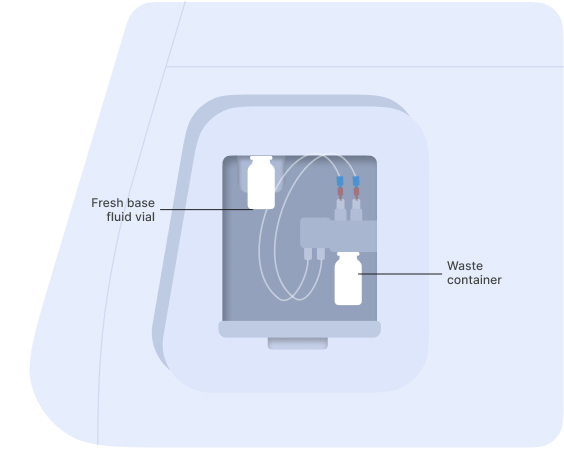
Vial of base fluid and the waste container connected to the pump as shown on the screen
[1]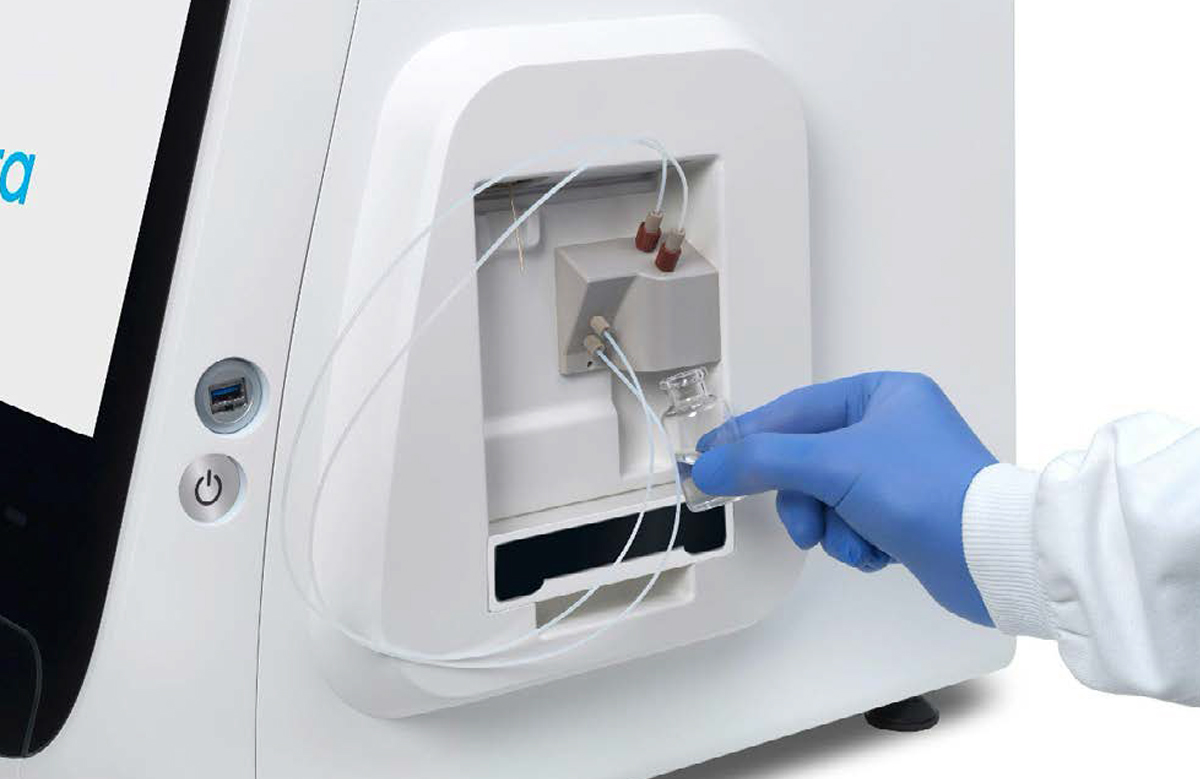 [2]
[2]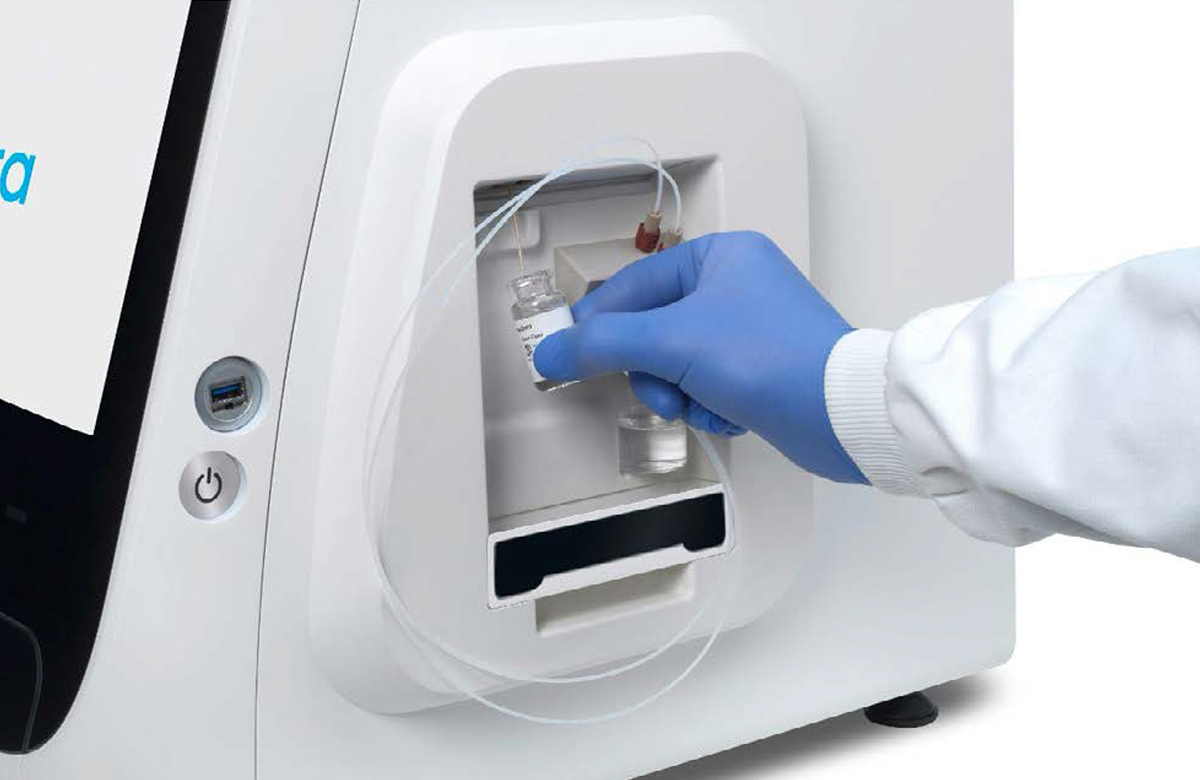
Connection of the empty waste container [1] and the vial of base fluid [2] to the pump
Set up the experiment on the instrument
Depending if the user is operating on a Standalone system or on a Cloud Connected System, the first few steps of the experiment to carry out on the instrumennt will change. Select the appropriate tab for your use
- Cloud Connected
- Standalone
Log in and select the experiment
- Press the [Power Switch] to activate the Instrument power-up, initialization and self-test sequence.
- Log into the instrument software by selecting the user and entering PIN.
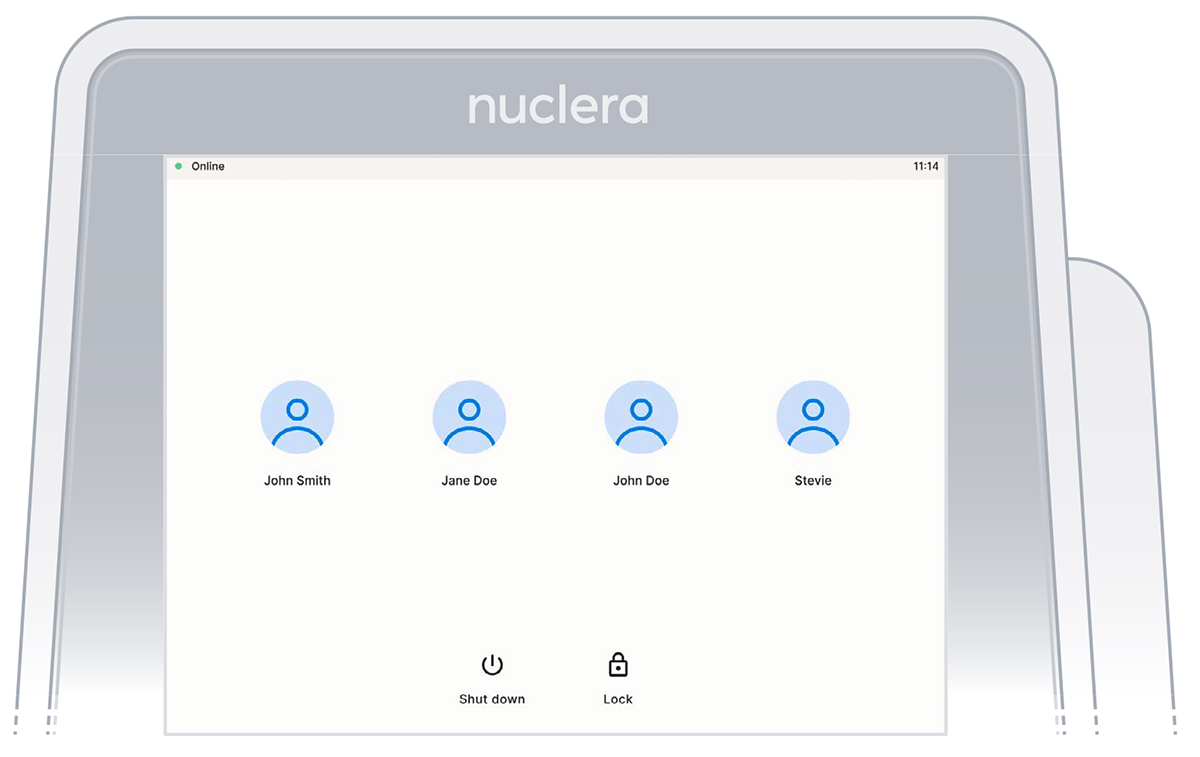
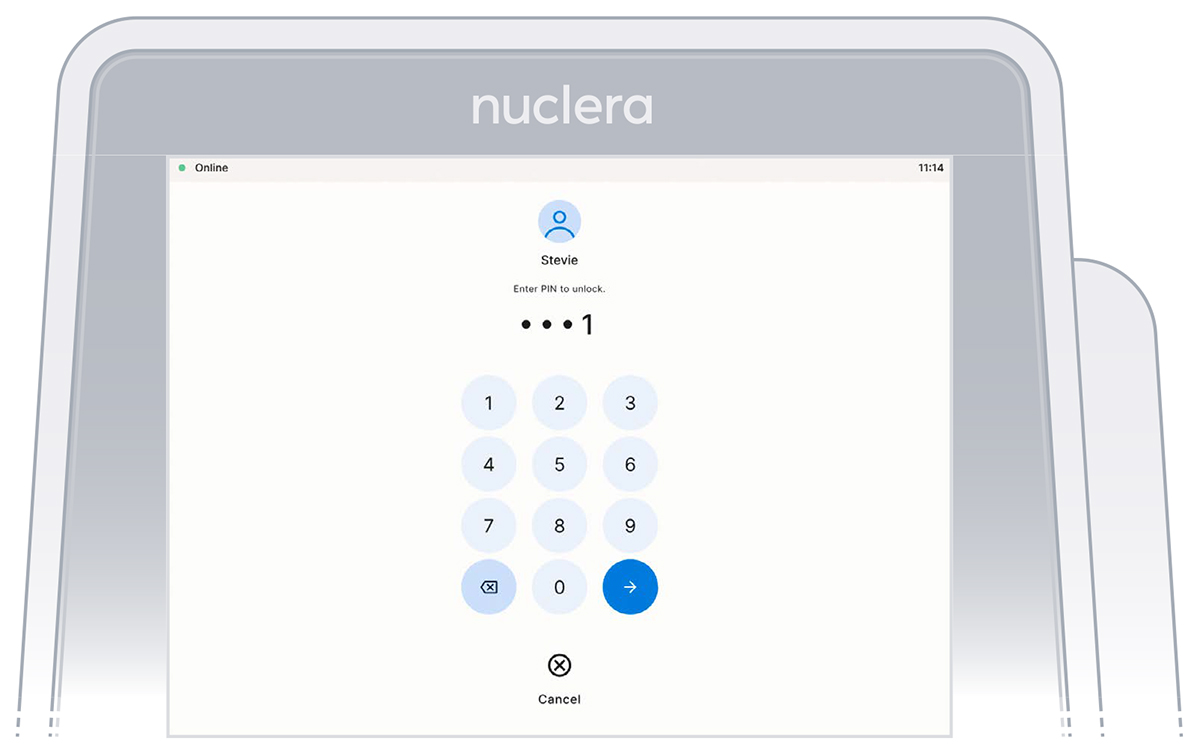
- On the instrument software, select the experiment initially set up on eProtein Discovery software.
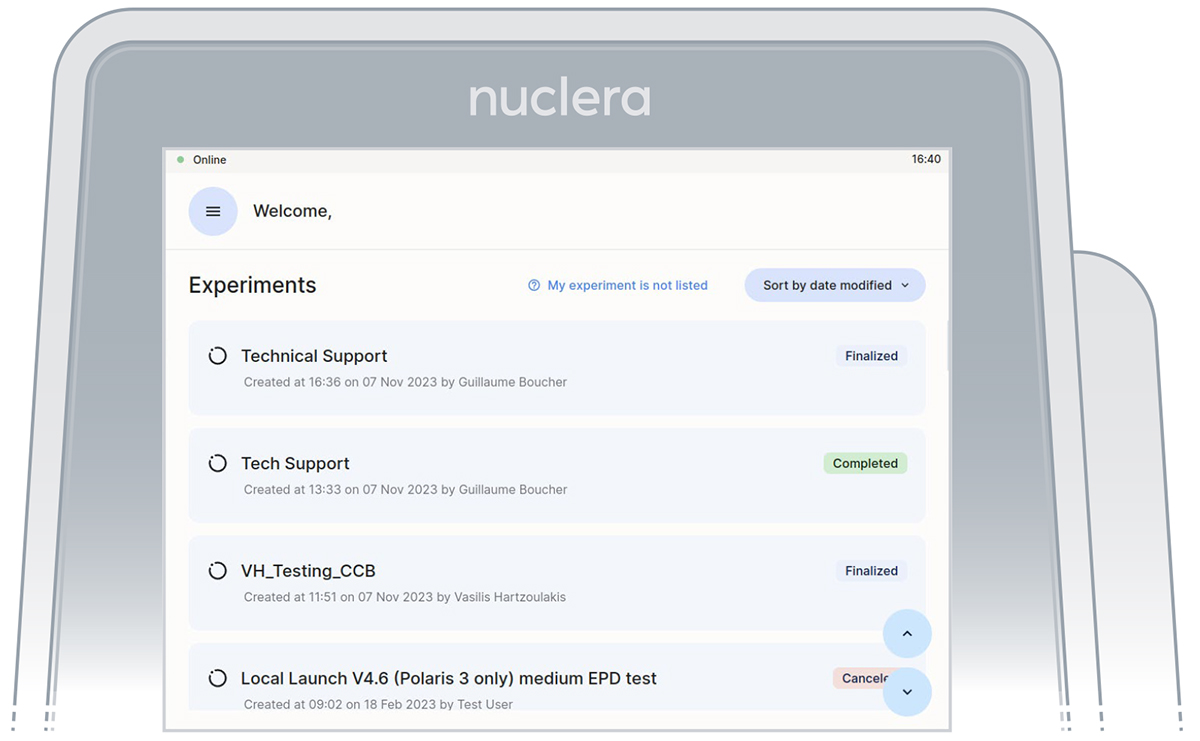
Instrument software welcome page with the list of finalized experiments
- Read the Before you proceed section and press the [Next] button.
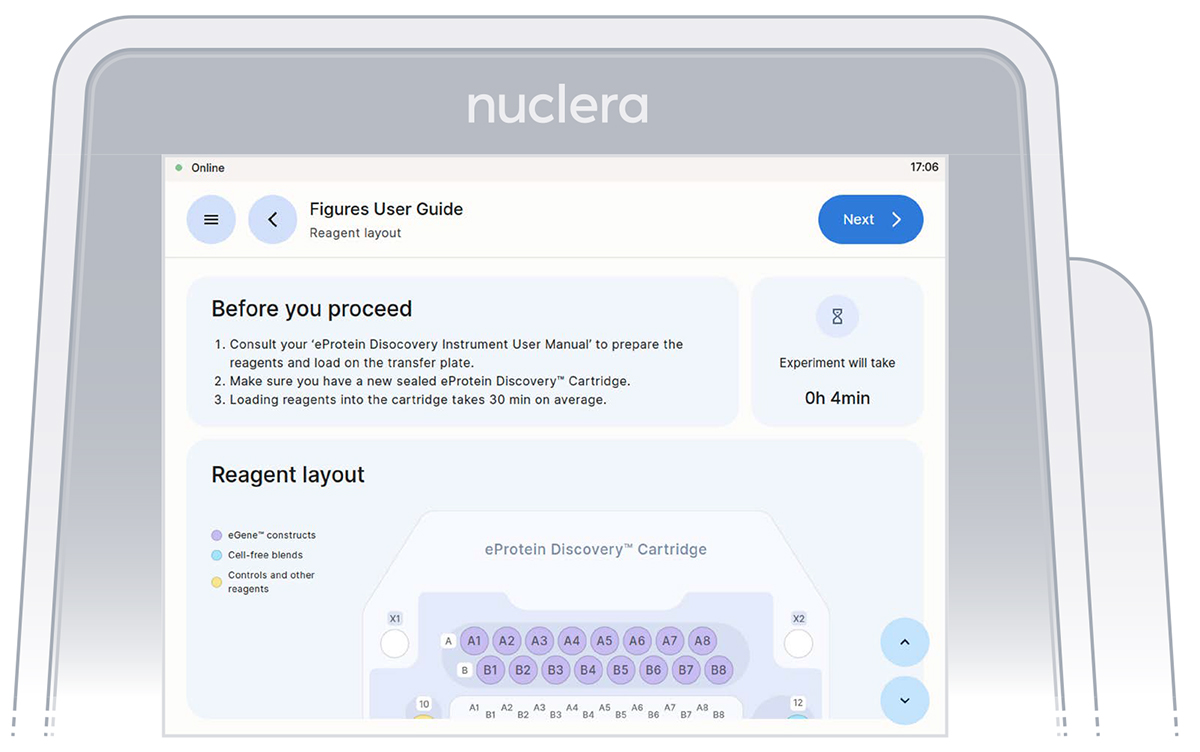
Instrument software welcome page with the list of finalized experiments
- Get the transfer plate containing the reagents and cartridge ready.
- Go through and tick the checklist, and press the [Next] button. The drawer will open.
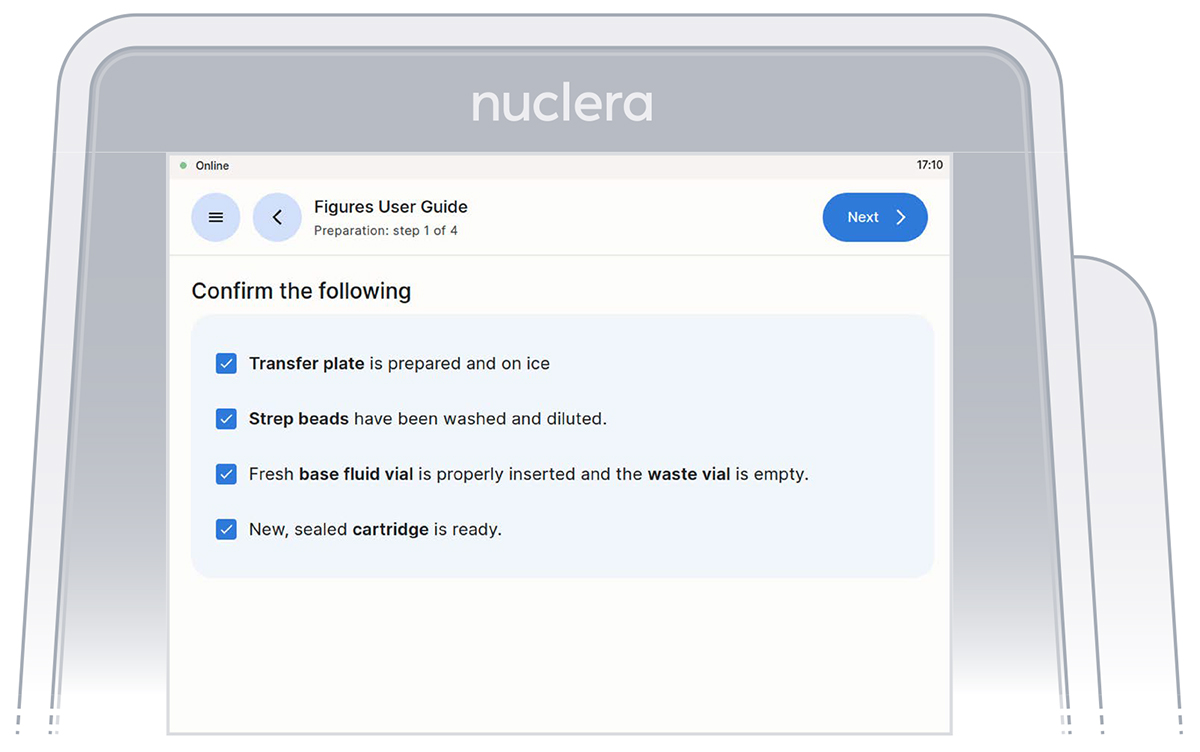
Loading of the cartridge on the eProtein Discovery instrument.
Press the [Power Switch] to activate the Instrument power-up, initialization and self-test sequence.
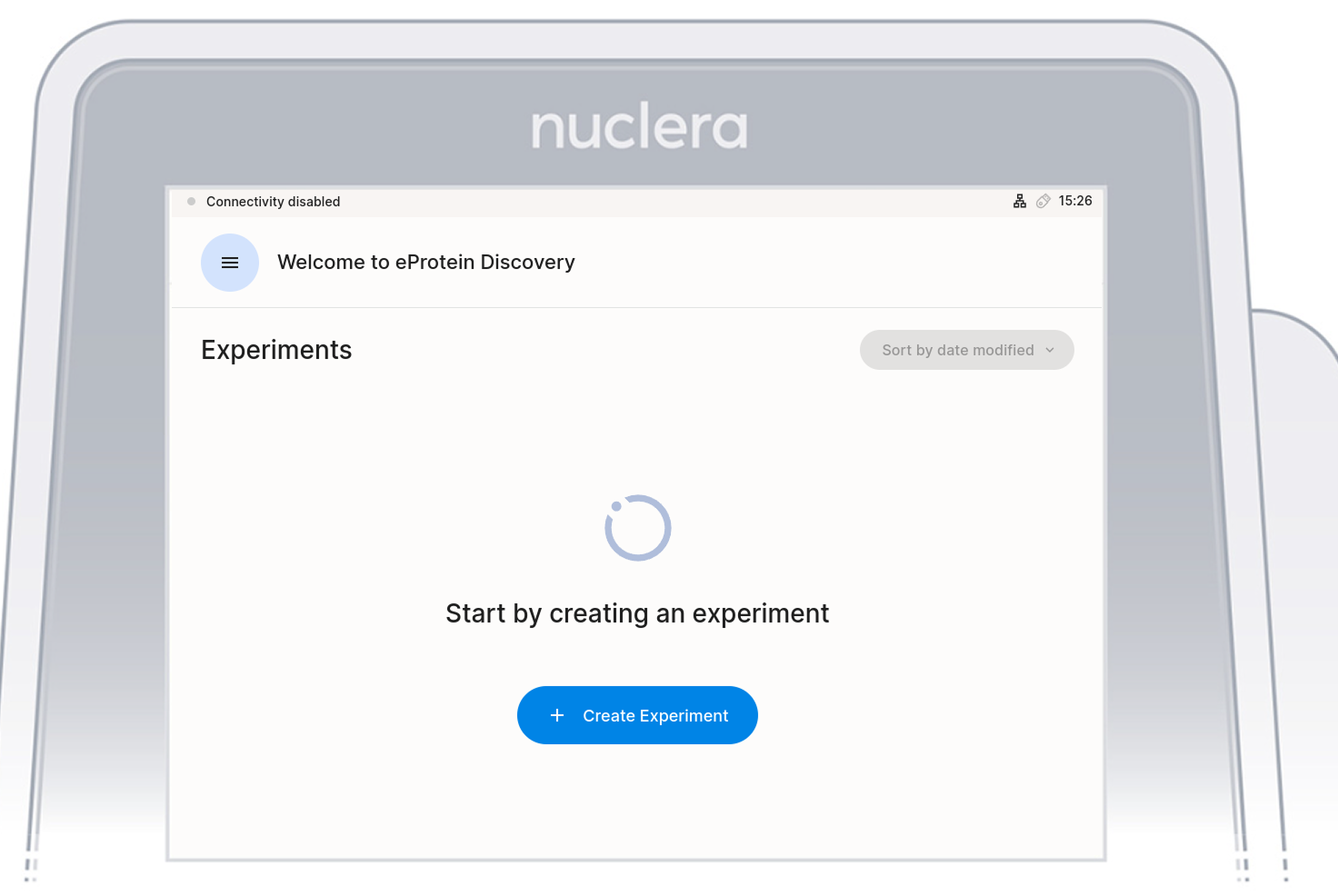
If experiments have already been run on the instrument they will be shown in the initial screen
Tap on "[+ Create Experiment]"
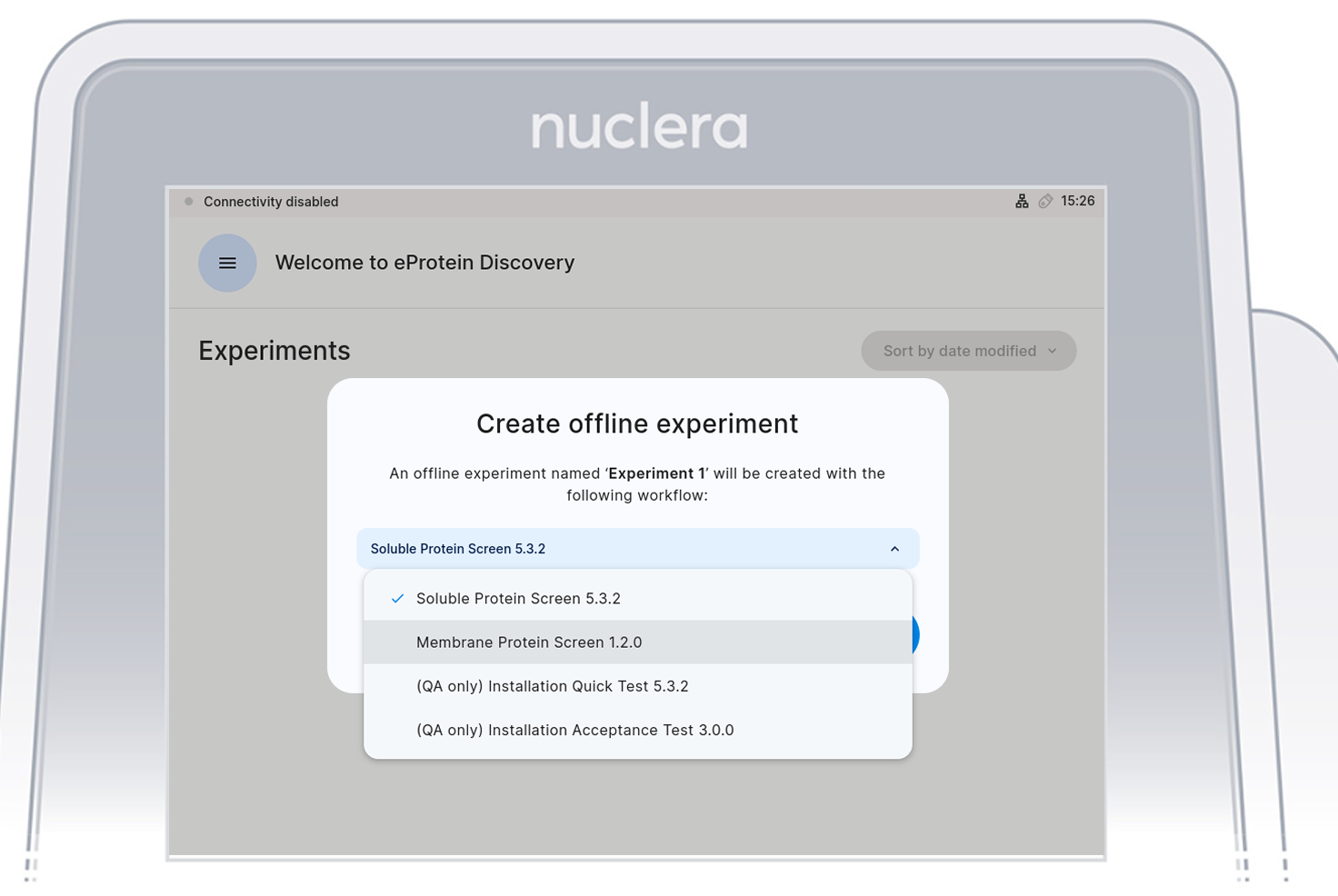
 From the dropdown menu, select "Soluble Protein Screen" and tap on Confrim.
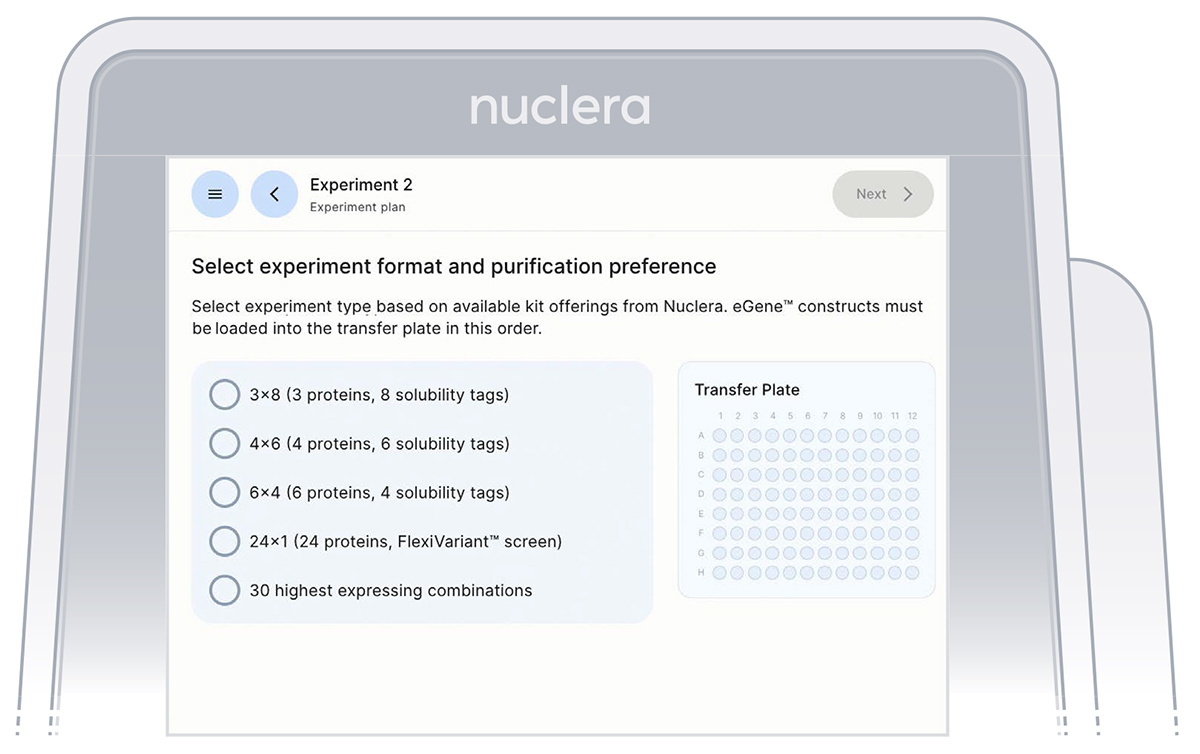
Select the type of experiment you would like to perform on the instrument. You can choose between:
a. 3x8 (3 proteins, 8 solubility tags)
b. 4x6 (4 proteins, 6 solubility tags)
c. 6x4 (6 proteins, 4 solubility tags)
d. 24x1 (24 proteins, FlexiVariant screen)
e. 30 highest expressing combinations
It is critical to select the exact experiment format as this will determine the downselection method of the 30 expression conditions for the strep purifiability assessment.
Read the Before you proceed section and press the [Next] button.